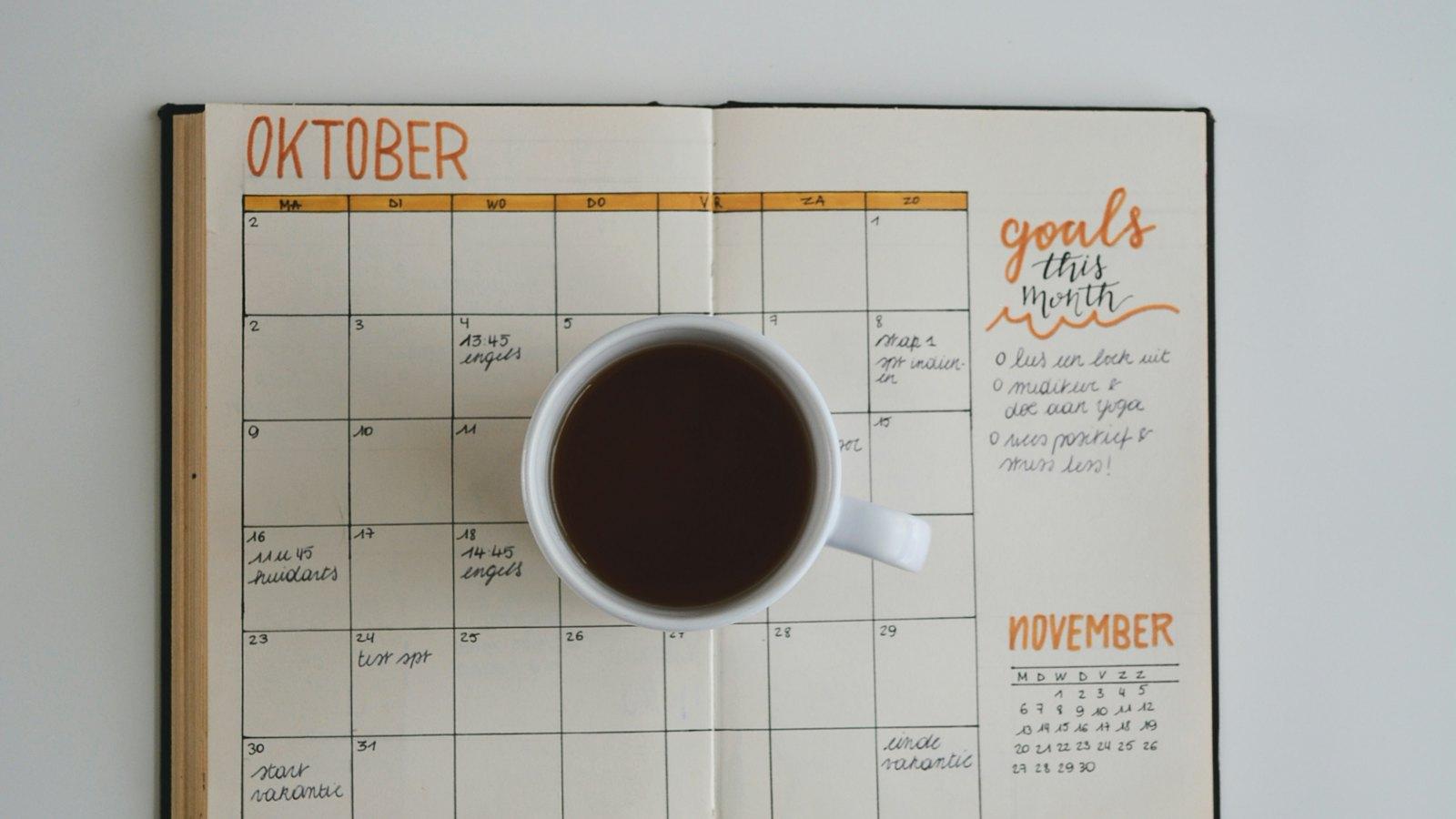
If your day lives in a calendar, salah should live there too. When Asr is sitting in your diary, you see the clash before you accept the 3:30 meeting, not after.
The simplest way is a subscribed calendar: a feed of prayer times that your calendar app checks by itself and keeps up to date. You add it once, and it never needs touching again. The steps below work for any prayer-times feed; ours is free, with no account needed.
The quick way
- Go to the calendar feed page and pick your city.
- Tap Google Calendar, Apple Calendar or Outlook.
- Confirm in the screen that opens. That's it.
Each city's feed uses the calculation method usually followed there (Moonsighting Committee in the UK), and there's a separate feed if you follow the Hanafi time for Asr. The five salah show as short events marked free, so they don't block your diary or stop people booking you. They just sit there, where you can see them. Each event marks when that salah begins, not when its time ends.
Google Calendar
Google only lets you add a calendar by its address on a computer, not in the phone app. Once added, it appears on your phone by itself.
- On a computer, open calendar.google.com.
- In the left-hand column, next to Other calendars, click +, then From URL.
- Paste your city's feed address (it's on your city's page, under "Put these times in your calendar") and click Add calendar.
On Android, if it doesn't show up, open the Google Calendar app, go to Settings, tap your account and make sure the new calendar is ticked to sync.
Google refreshes subscribed calendars on its own schedule, which can take several hours. That doesn't matter here: the feed always runs weeks ahead.
Apple Calendar (iPhone, iPad and Mac)
On your iPhone, tapping Apple Calendar on the feed page opens the subscribe prompt directly. Tap Subscribe, then Add.
To do it by hand on an iPhone, go to Settings → Apps → Calendar → Calendar Accounts → Add Account → Other → Add Subscribed Calendar and paste the feed address. On a Mac, open Calendar and choose File → New Calendar Subscription. Paste the feed address and set Auto-refresh to every day.
Outlook
- In Outlook on the web, go to your calendar and choose Add calendar.
- Pick Subscribe from web, paste the feed address and give it a name.
- Click Import.
Work accounts (Microsoft 365) work the same way, unless your IT team has turned off internet calendars. In the Outlook desktop app, use Add Calendar → From Internet and paste the address.
Making it useful
- Give it a colour that stands out. A muted colour fades into the background; you want salah to catch your eye.
- Don't rely on it for alerts. Many calendar apps won't let you add notifications to a subscribed calendar, so treat the feed as something to plan with, and use a prayer app or a phone alarm for the reminder itself.
- If you want colleagues to see it, add your own block. A subscribed calendar is only visible to you, and these events are marked free. If you'd like people to book around Dhuhr or Asr at work, add a recurring "busy" block in your work calendar at those times, and move it as the times change through the year.
Why a calendar helps
A prayer app tells you the time. A calendar is where your day actually gets decided: meetings, lessons, the school run. Putting salah there means it's part of the plan, not something squeezed into whatever gap is left.
Removing it
In Google Calendar, hover over the calendar under Other calendars and choose Unsubscribe. On iPhone, open the Calendars list, tap the ⓘ next to it and choose Delete Calendar. In Outlook, right-click it and choose Remove.
Common questions
Is it really free? Yes. No account, no email, nothing to install.
Does it work outside the UK? There are feeds for over a hundred cities worldwide. If yours isn't listed, a nearby city in the same country is usually within a few minutes, though the gap grows with distance. For exact times anywhere, the app works from your location.
My masjid's times are a few minutes different. That's normal. Many masjids follow their own published timetable. For congregation, go by your masjid: islamqa.info says "there is nothing wrong with following one of the mosques, if you trust the religious commitment and sincerity of the people in charge" (answer 139757). We explain why times differ in why prayer times differ between apps and your masjid.
If you'd also like reminders and a day planned around salah, that's what the OnSalah app does. The calendar feed stays free either way.